
A home of widgets
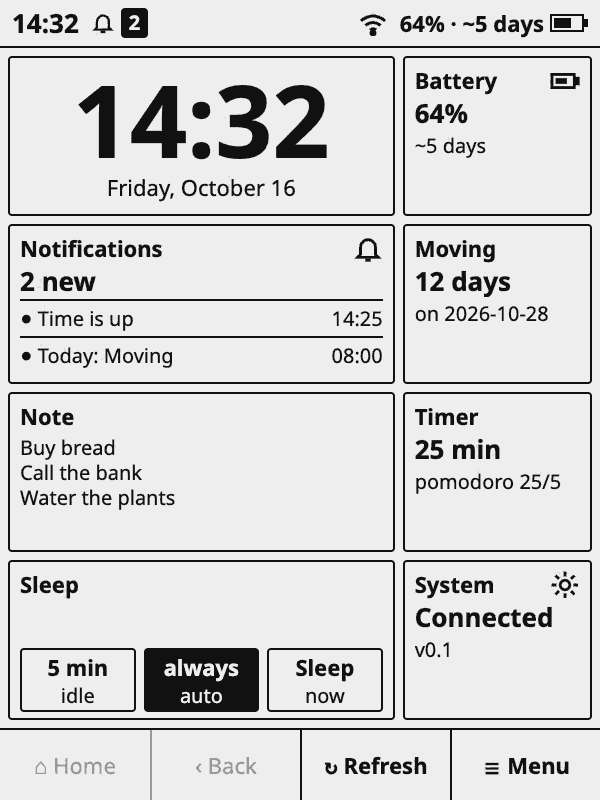
Clock, battery, notes, timers and countdowns in several sizes, from 1×1 to 4×4. Hold a widget to reorganize.
KOReader plugin
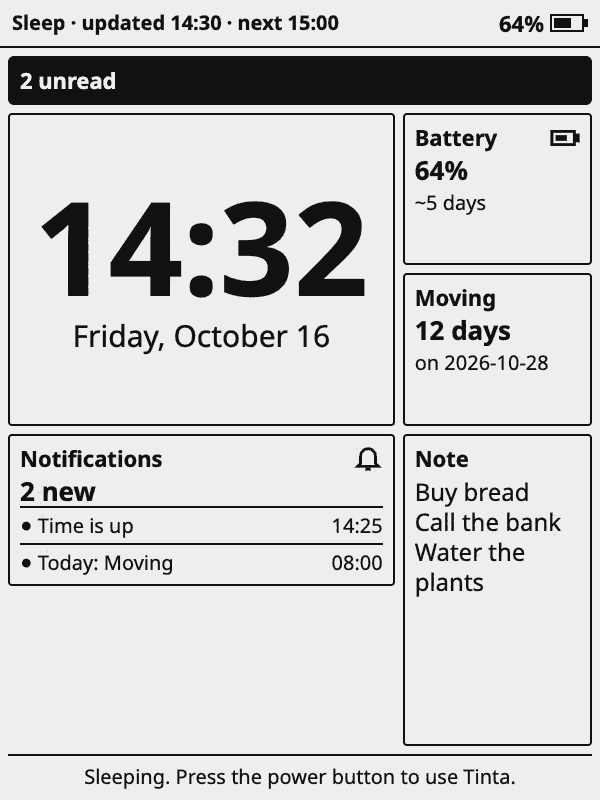
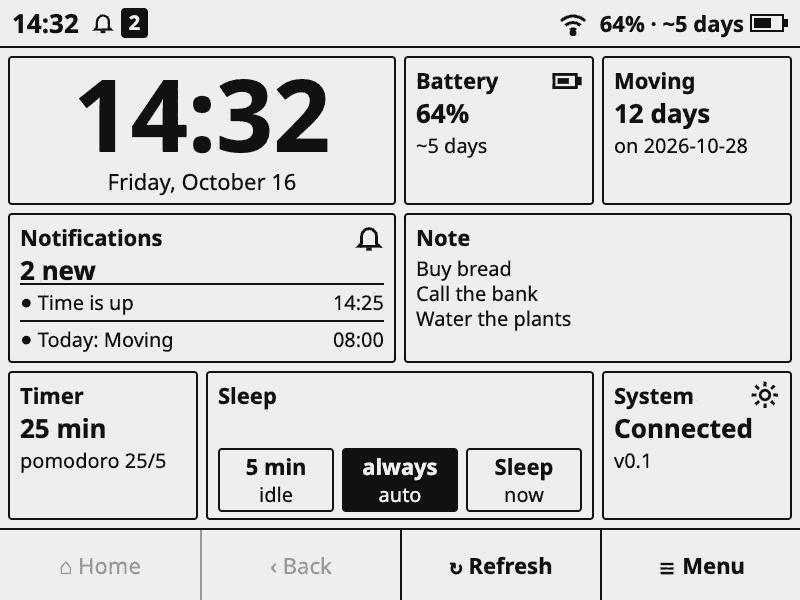
Tinta turns an e-ink reader into an app dashboard: a home of widgets, a notification centre, and a sleep page that stays on screen and wakes only to refresh. Black and white, no animations. The demo below is the real layout, with made-up data.
viewhome yourapps central apps sleep sistema sleepcfg organizar relogio timer nota contagem bateria clima servidor modeloland=1stylestyle=analogico.samples=1popupidle after wake titles with view=sleepcfg; hidden with view=organizar (and org=sleep for the Sleep tab).menu=1focus=1shot=1What Tinta is
A platform on top of KOReader, which already handles the screen, touch, Wi-Fi and suspend. It is not an operating system.
Clock, battery, notes, timers and countdowns in several sizes, from 1×1 to 4×4. Hold a widget to reorganize.
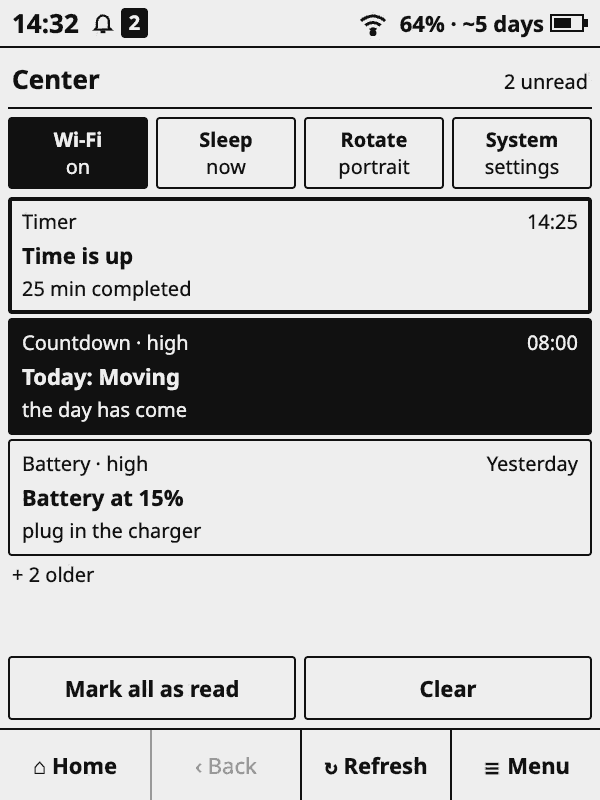
A banner, a notification centre and a priority per app. The same message fires once, not on every refresh.
Every app that is due refreshes over a single connection: Wi-Fi turns on, the apps run, Wi-Fi turns off.
The page stays on screen while the Kindle sleeps and wakes on its clock only to refresh. Measured on the KT3: about 4 to 5 mA suspended.
An app is a small Lua folder. Tinta provides scheduling, settings screens, storage, network and widgets. See the SDK guide.
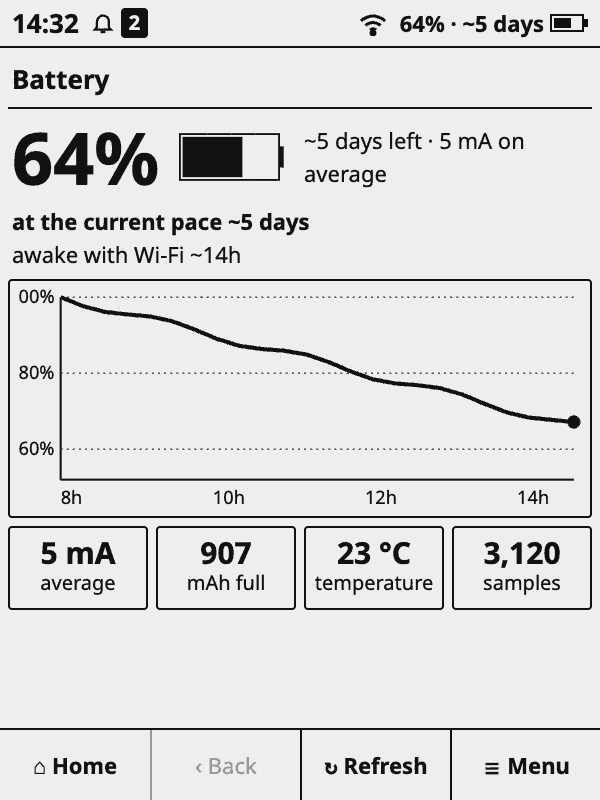
A battery log with two estimates of the time left: at your recent real pace, sleep included, and awake with Wi-Fi.
Screenshots
Every image is this page rendered at the real 600×800 pixels of the Kindle KT3.
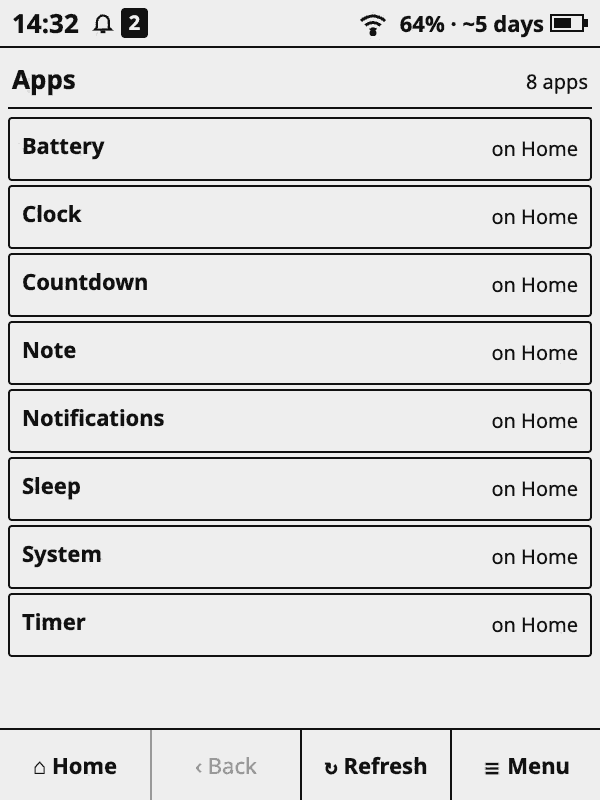
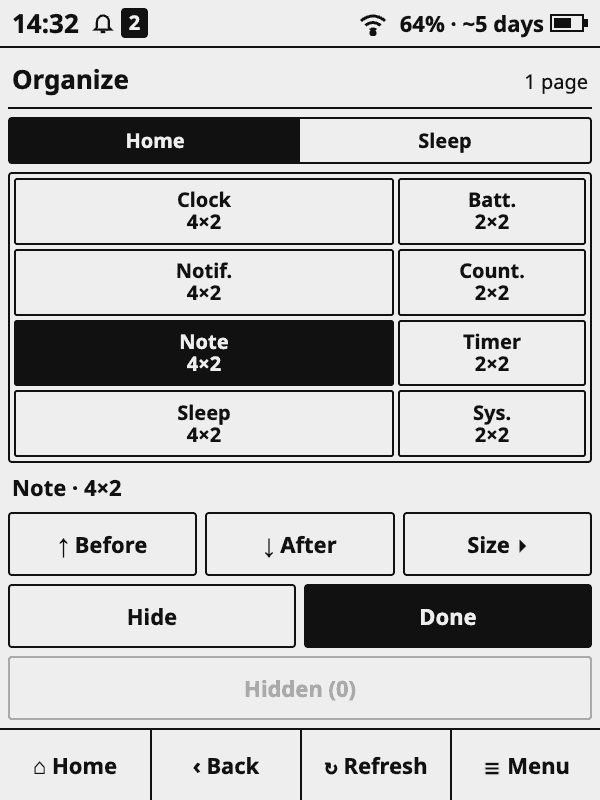
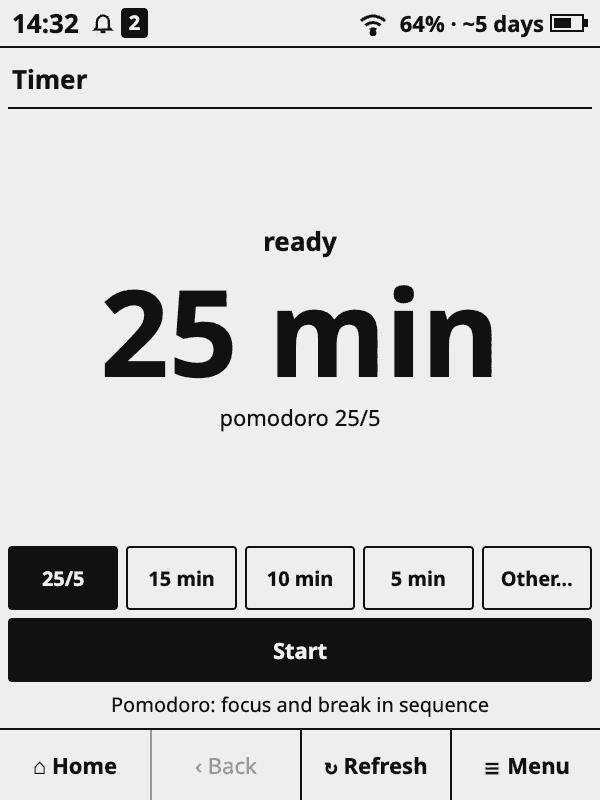
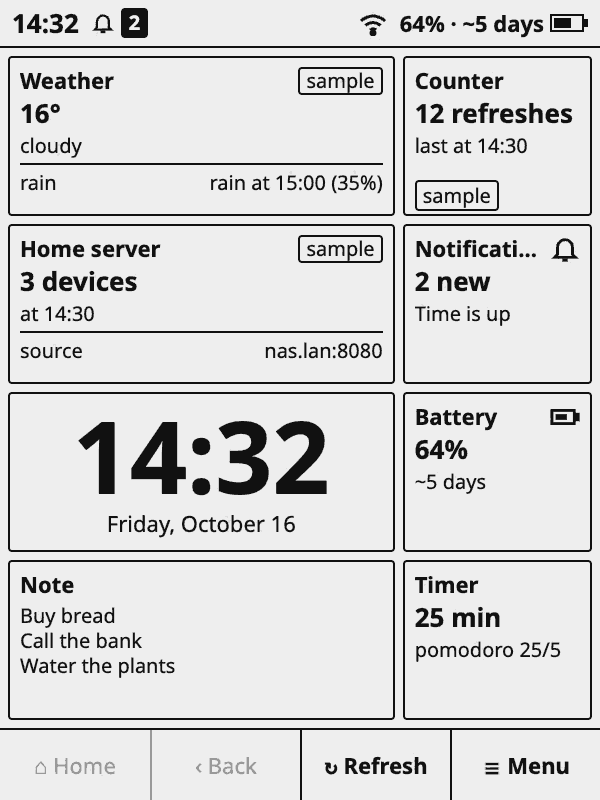
Compatibility
Tinta was built for, and tested on, one device. The rest is expected to work but nobody has checked yet.
rtcWakeup.Apps run inside the KOReader process with full access to files, network and the device. Install only apps you trust.
Install
tinta-<version>.zip from Releases and unzip it.tinta.koplugin folder into koreader/plugins/ on the device, by USB or SSH.